
warning this page has an animated gif

Handy Linux Desktop Function
Handy keybind C'tarl + Alt + P will choose for you
I can want to listen to an album and turn to look at ... all of them and in no time at all I am left astounded at the selection and there grows an apathy I didn't have 4 minutes ago. This results in me not listening to an album. Unless there is a specific urge for a sound or chunk or artist's aplomb, I grow weak at the choosing whereupon the choosing says no, you may not choose; like those brain memes when you wanna sleep.
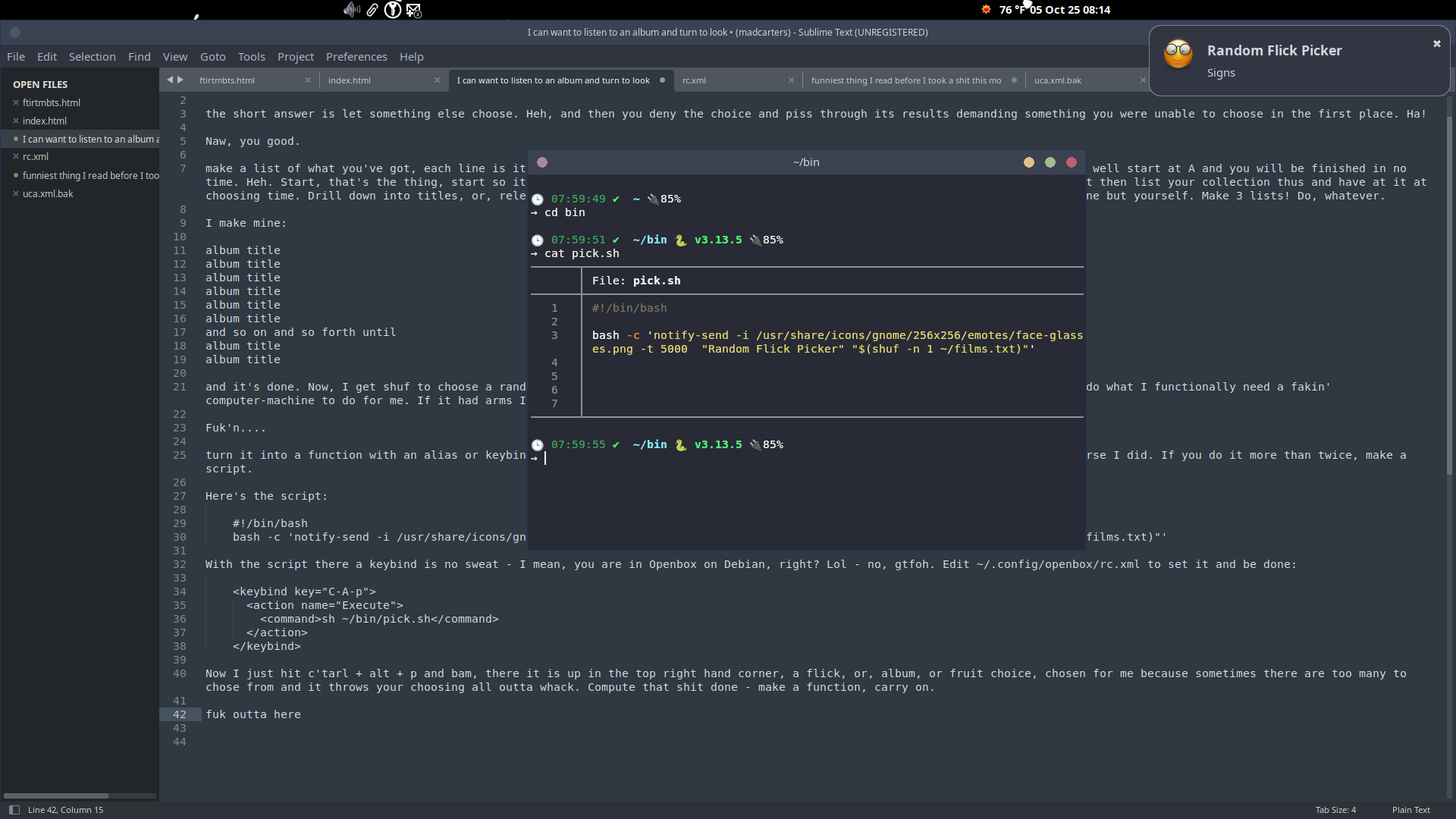
The short answer is let something else choose. Heh, and then you deny the choice and piss through its results demanding something you were unable to choose in the first place. Ha!
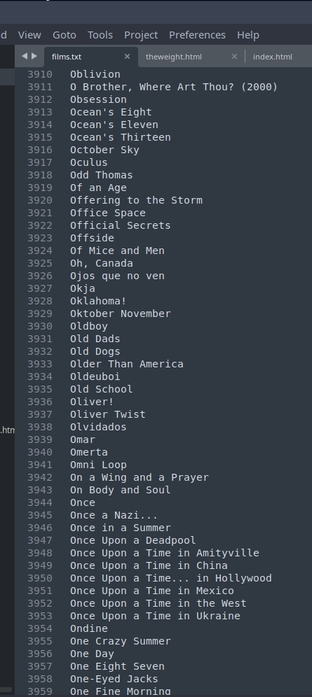
Make a list of what you've got, each line is its title or however you want to relate to your thoughts. Say you've got 2k albums, well start at A and you will be finished in no time. Heh. Start, that's the thing, start so it can finish. Accept, AC-DC, Aerosmith....if you want something general as an artist then list your collection thus and have at it at choosing time. Drill down into titles, or, releases, and even further by year and or genre....whatever, it's all you. Satisfy noone but yourself. Make 3 lists! Do, whatever.
album title album title album title album title album title album title album title album title album title ... album title album title album title album title
The Auto-Magica
Now, I get --> shuf to choose a random line in a text file for me, ha! So much function and success built right in to do what I functionally need a computer-machine to do for me. In your terminal you can: shuf -n 1 ~/films.txt
Better yet
bash -c 'notify-send -i /usr/share/icons/gnome/256x256/emotes/face-glasses.png -t 5000 "Random Flick Picker" "$(shuf -n 1 ~/ films.txt )"'
Edit: ~/.config/openbox/rc.xml to set it and be done:
<keybind key="C-A-p"> <-- that's c'tarl + alt + p
<action name="Execute">
<command>sh ~/bin/pick.sh</command>
</action>
</keybind>
...<keyboard>
$ openbox --reconfigure && openbox --restart
Best to make an alias, in your terminal, type:
echo "alias obr='openbox --reconfigure && openbox --restart'" >> ~/.bash_aliases
Now, re-source bash, so: $ source ~/.bashrc. Make another alias:
alias src='source ~/.bashrc'
wicked
Now I just hit c'tarl + alt + p and bam, there it is up in the top right hand corner, a flick, or, album, or fruit choice, chosen for me because sometimes there are too many to chose from and it throws the choosing all outta whack. Make a function, carry on.
If you cannot do the above, for whatever reason, *coug...OSER
click the button below for a random choice